
Unknown findings
Map discovery findings that MineOS can’t match automatically to a new, existing or custom data source, so your inventory stays accurate.
Most systems discovery finds are matched automatically to the MineOS catalog. Some aren't. SSO providers such as Microsoft Entra ID and Okta sometimes share only a technical name, such as intercom_integration_1 or custom_integration_2, which isn't enough to identify the system with confidence. These are labeled Unknown findings, and you map them yourself so your inventory stays accurate and complete.
Why a finding is unknown
A finding is unknown when:
- The name or details shared by your SSO provider don't give enough information to identify the system, or
- The system isn't in the MineOS catalog
Find your unknown findings
In the left navigation, under Data mapping, select Radar, then open the Unknown findings section.
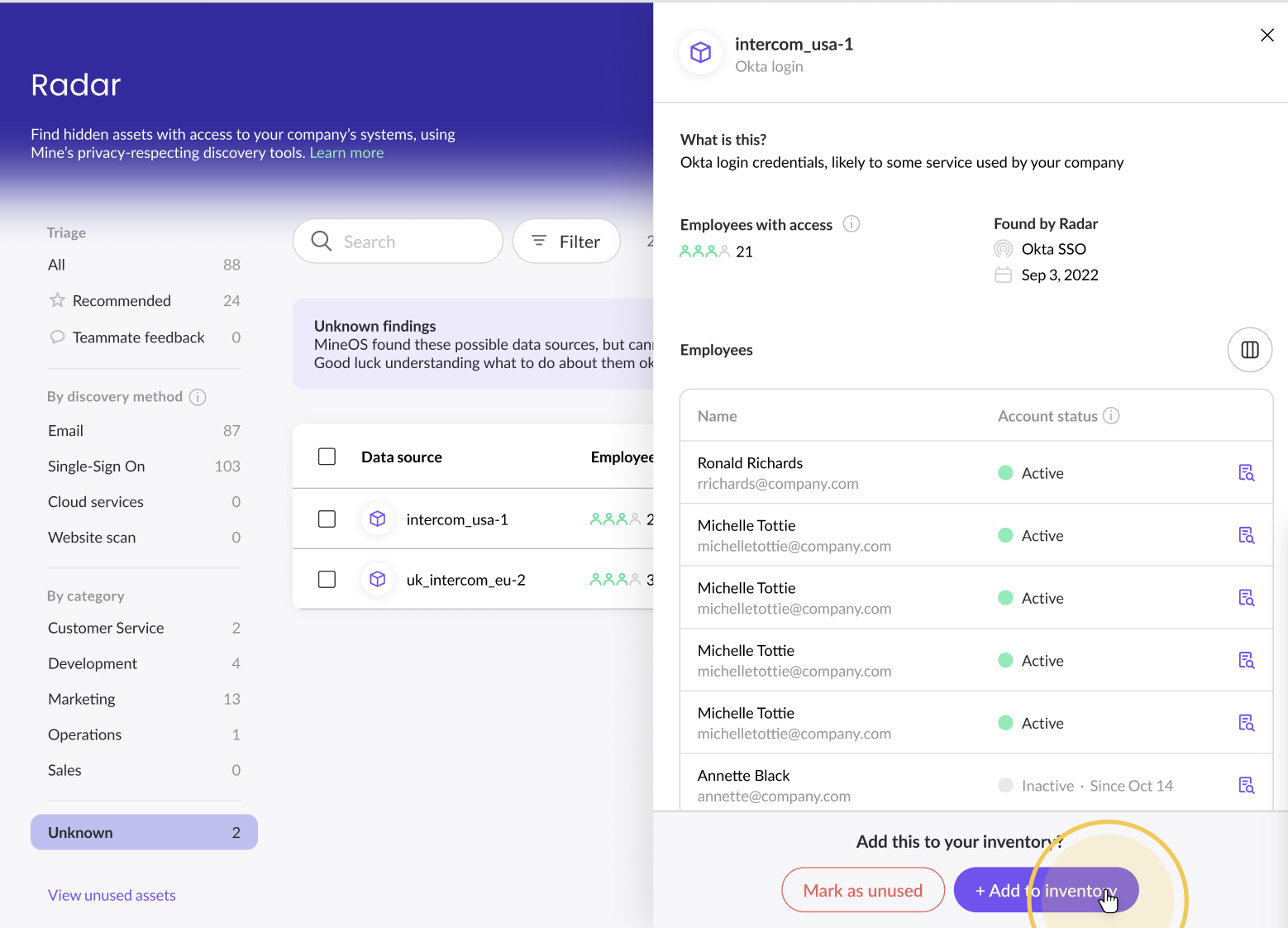
Map an unknown finding
- Select the finding and click Move to inventory.
- In the window that opens, type the name of the data source the finding represents.
- Choose one of the options that appear:
| Option | When to use it | What happens |
|---|---|---|
| Create a new catalog item | The finding is a known system that isn't in your inventory yet | The system is added to your inventory |
| Merge with an existing item | The finding is a system you already have | The finding is merged into that item |
| Create custom data source | The finding doesn't match anything known, and you want to name it yourself | A custom data source is created in your inventory with the name you typed |
What happens when you merge
You can merge an unknown finding with an item that's:
- A data source in your inventory
- A finding still in Radar
- An item in Unused assets
If the item is still in Radar or in Unused assets, it's moved into your inventory automatically as part of the merge, with no extra steps.
After merging:
- The item has several findings associated with it, which you can see in its Findings section
- Employees found across all the merged findings are combined into one list
- New discovery data for any of the merged findings continues to be added to the item
Merging can't be undone. Check that you've chosen the right item before you confirm.
Mark an unknown finding as unused
If an unknown finding isn't relevant, mark it as unused. It moves to Unused assets.
To restore it later, open Unused assets and select the finding. You'll be asked to map it the same way, to a new, existing or custom data source.
Not sure what a finding is?
Check which employees and departments use it, then ask them. You can also ask a teammate to review it. See Send data sources to coworkers for review.
Related articles
- Reviewing findings: add and remove findings in Radar
- Navigate Your Inventory: manage data sources after they're added
Updated 20 days ago