
Email Notifications for DSR
Get an email alert whenever a new privacy request comes in
Turn on email notifications to find out about every new privacy request as soon as it's created, without needing to check the Requests table yourself. This is useful if you want a lightweight way to keep an inbox — or a shared distribution list — in the loop, without connecting Slack or a task tracker.
Setting up
- Go to Settings > Automations > Marketplace.
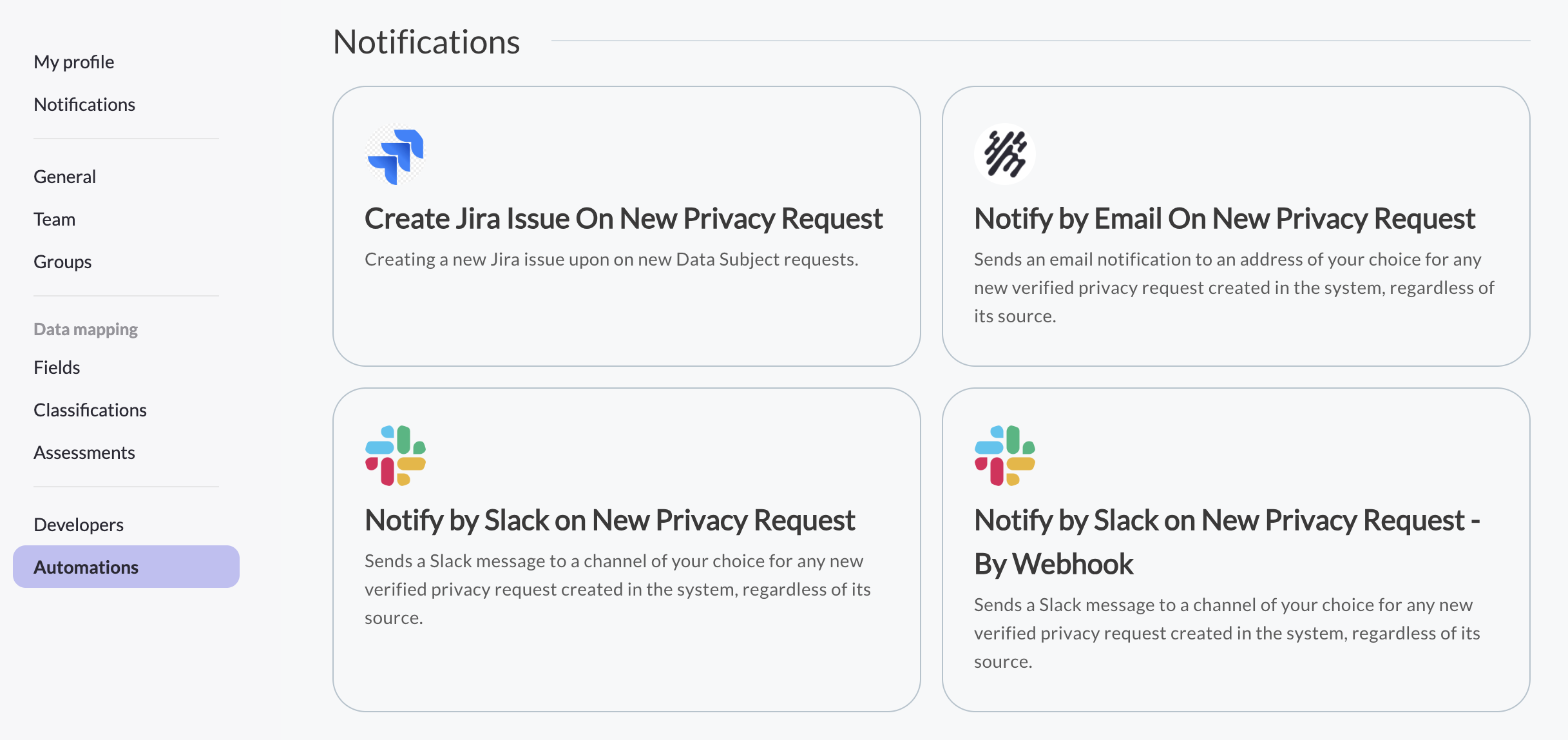
- Find Notify by Email on New Privacy Request and click Configure.
- Click Configure on the configuration page.
- Enter the email address (or addresses) that should receive the notification.
- Click Finish. A confirmation message appears once the automation is active.
What you'll receive
Once active, you'll get an email for every new, verified privacy request created in the system — regardless of which channel it came in through, whether that's your Privacy Center, a forwarded email, or the API.
Managing the automation
You can return to Settings > Automations > Marketplace at any time to update the recipient list or turn the notification off. Since this is a MineOS-managed automation, your Customer Success Manager needs to enable it for your account before it appears as configurable — reach out to them if you don't see it in your Marketplace.
Updated 3 months ago