
Request Audit Log & Notes
Review the full, timestamped history of a request and add internal notes for your team
Every request keeps a complete, timestamped history of what happened and who did it — the audit log — alongside a space for your team's internal notes.
The audit log
The audit log records each action taken on the request: verification, processing steps across your systems (for example, "Deletion from HubSpot is completed"), status changes, and the messages sent to the data subject. Each entry is timestamped and attributed to the person or automation that performed it.
You'll see a preview of the log on the request, and can open the full log to review the entire history.
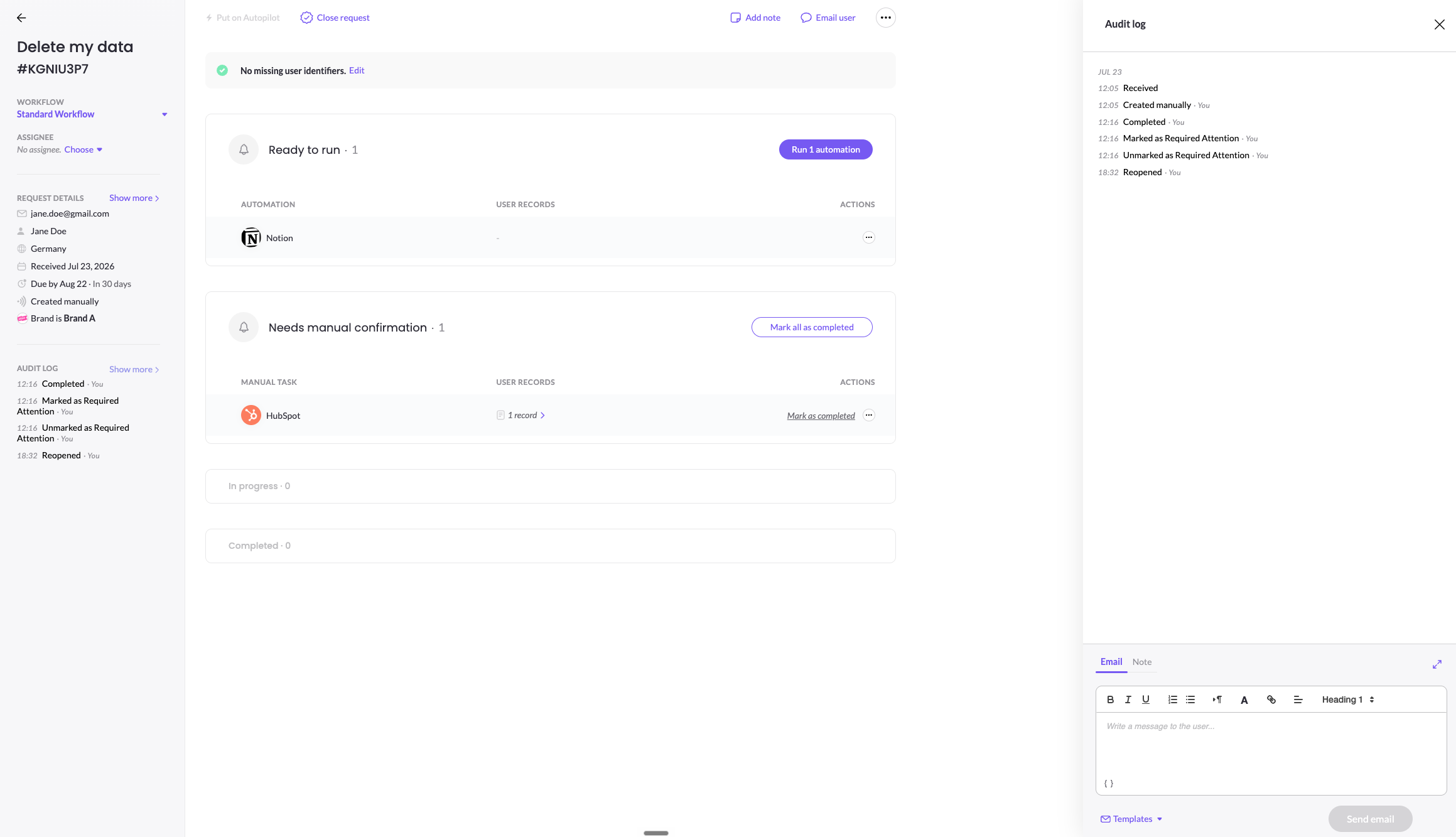
Add a note
Notes let your team leave internal context on a request that the data subject never sees. In the composer at the bottom of the audit log, switch to the Note tab (or click Add note), write your note, and save it. Notes appear in the log for your teammates.
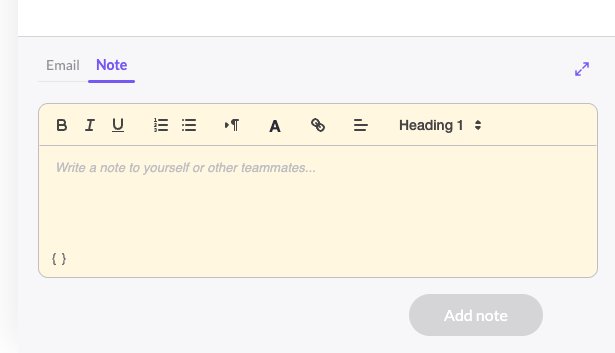
Emails vs. notes
The same composer has an Email tab for messaging the data subject directly. Emails are sent to the data subject; notes stay internal. Both are recorded in the audit log. For details on messaging the data subject, see In-request Communications.
Updated 3 months ago