
Managing Templates
Manage and create email templates, edit them with variables, and translate them into other languages
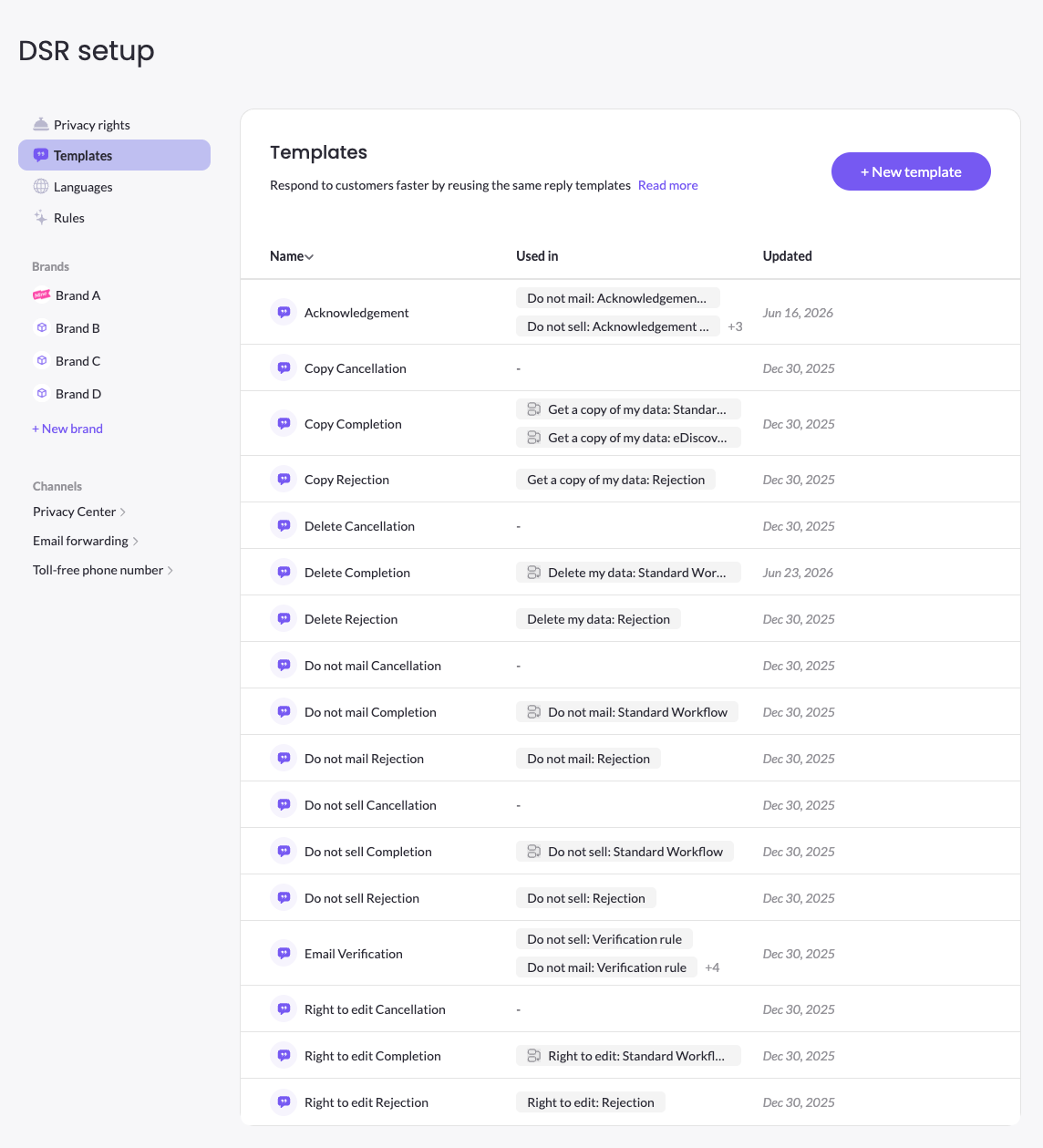
The Template page is the place to view and manage all of the communication templates to use during data subject requests processing, wether it is to notify the data subject about completion of the request, rejection, cancelation and other use cases. In this page you can view and edit all available templates, manage translations, add new templates, and understand in which right and workflow a template is used in.
Editing templates content and translations
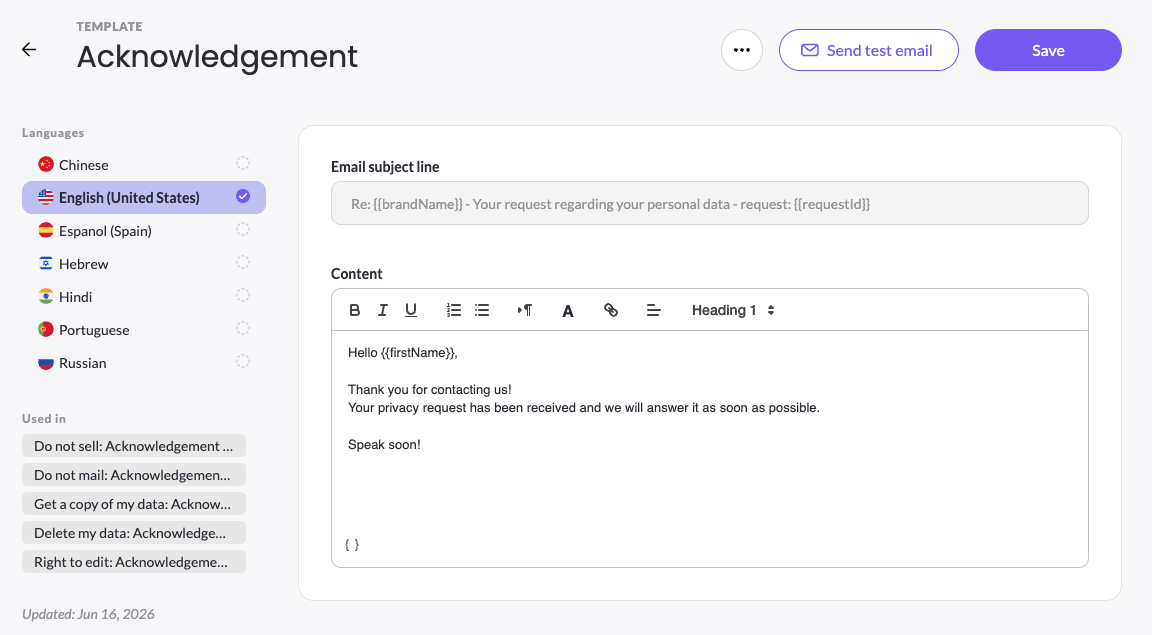
Each template has a customizable email body, whereas the email subject line if fixed. When defining the email content you can use free text and variables, such as, Full name, First name, Last name, Email address, Country, and Brand name. The full list of variable is available when clicking on at the bottom of the Content box.
In each template you have a list of languages, as defined under the DSR setup > Languages, in order to manage translations for all language available across the platform. The language in which the data subject submits a request via the Privacy Center is set as the primary language for all following communications with this data subject, so you need to make sure you have translation to all languages available in your Privacy Center to keep language consistency when communicating with the data subject.
You can test the template and see how it is received by clicking on Send test email. The email will be sent to the email you are logged in with to the MineOS platform.
Updated 3 months ago