
Setting Up MineOS for California DROP
Configure MineOS to process California DROP requests
California's Delete Act (SB 362) requires registered data brokers to begin retrieving and processing deletion requests through the state's Delete Request and Opt-Out Platform (DROP) on a recurring basis starting August 1, 2026. Because DROP distributes consumer identifiers in hashed form, honoring these requests inside MineOS involves two things working together: a dedicated deletion right configured for the DROP flow, and an internal endpoint you host that resolves hashed identifiers back to the plain identifiers your systems actually store. This guide walks a developer through both.
DROP (Delete Request and Opt-Out Platform)The centralized platform operated by the California Privacy Protection Agency (CalPrivacy) that lets a California resident submit a single deletion request to every registered data broker. Data brokers must retrieve new and amended requests at least once every 45 days and report a status back for each one.
1. Create a new DROP deletion right
Create a dedicated DSR (Data Subject Request) right for DROP so that DROP-sourced requests are tracked, measured, and automated separately from your standard consumer requests.
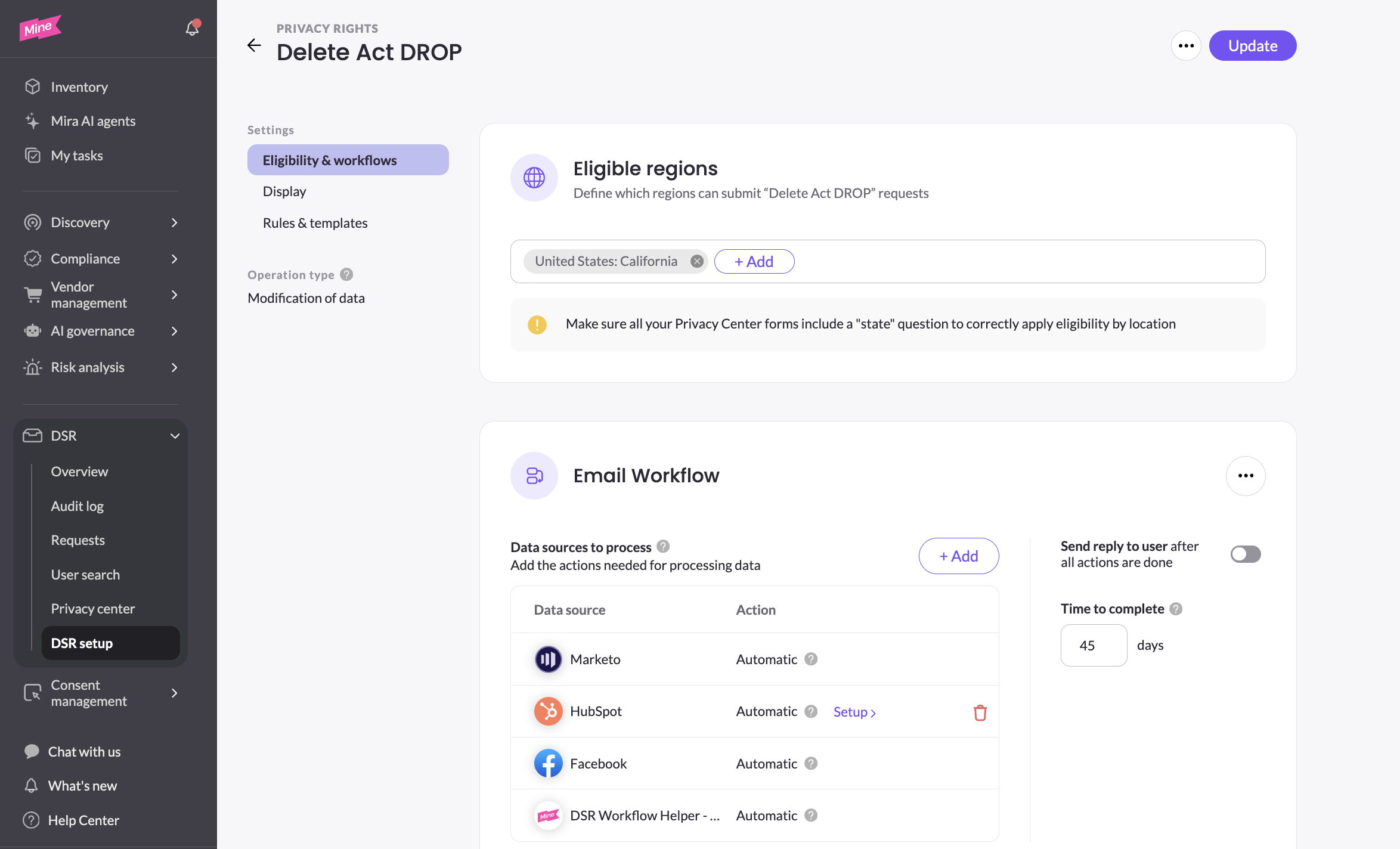
Create the right with the following configuration:
- Right type: Deletion.
- Eligibility: restrict eligibility to California only.
- Workflow per identifier type: create a separate workflow for each identifier type you accept from DROP (for example, one workflow for email, one for name+phone). Each workflow will later carry its own managed suppression list step — see Section 2.
- SLA: set the SLA to 45 days.
- Send reply to user after all actions are done: Disable
- Privacy Center visibility: disable this right in the Privacy Center so it is not publicly selectable.
2. Connect the DROP integration
Enable the DROP integration and authenticate it with your API key.
- Open the DROP integration from Settings -> Automations -> Marketplace
- Paste your DROP API key into the credential field and save.
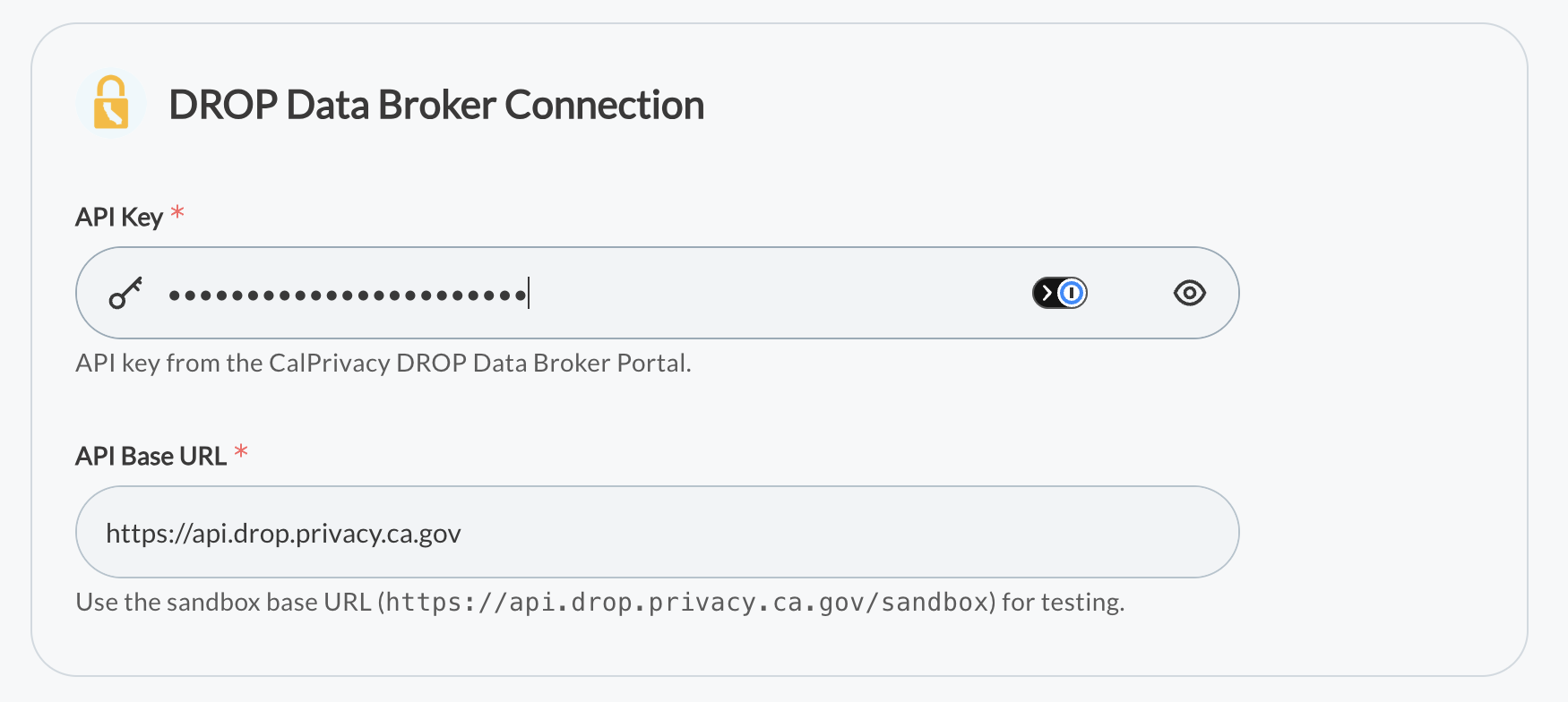
NoteYou can connect more than one DROP integration if you have multiple broker accounts.
You can connect to a production or sandbox drop instance.
3. Implement the internal hash-to-identifier lookup endpoint
DROP delivers identifiers as one-way hashes so that raw consumer data is never exposed in transit. To act on a request, MineOS must determine which of those hashes correspond to real records in your systems, and — for the ones that match — obtain the plain identifier so the deletion and suppression workflow can run against your downstream data stores, such as SaaS applications.
You implement and host an HTTP endpoint that MineOS calls. It receives a batch of hashed identifiers for a given list, matches them against your data, and returns a result for each hash: Found (with the plain identifier) or Not Found.
For a reference guide of the implementation, See Hash-to-identifier lookup endpoint
Updated 3 months ago