
Custom Code
Inject custom JavaScript and CSS into your Privacy Center for advanced behavior, styling, and third-party integrations.
The Custom code tab provides two code editors for injecting code directly into your Privacy Center page. Use it to load analytics tools, apply CSS that goes beyond the Styling tab, or react to form events using the MINE JavaScript object.
Custom code is powerful but requires technical knowledge. If you need help implementing something specific, contact your Customer Success Manager.
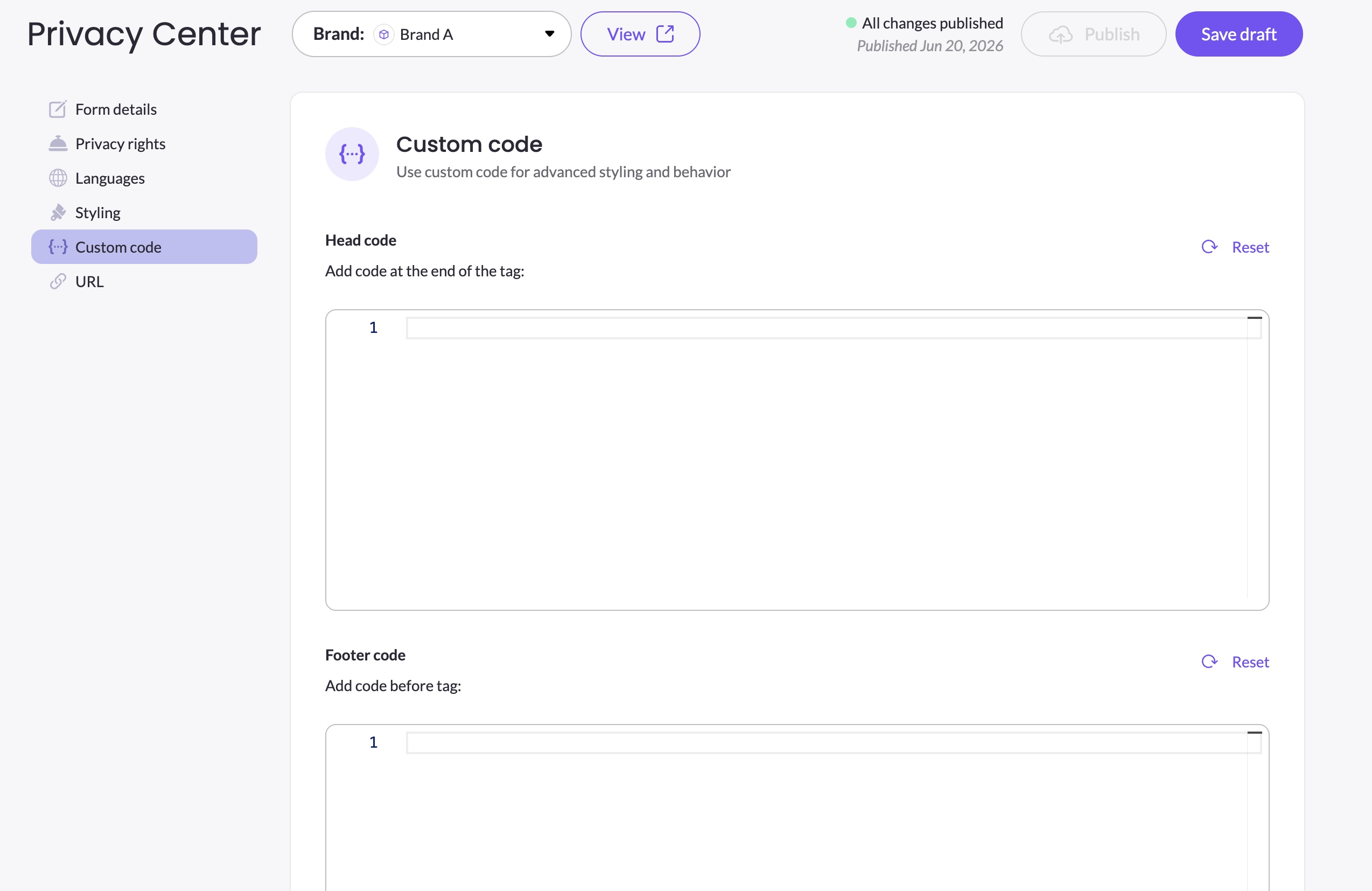
Head code and Footer code
The Custom code tab has two editors:
| Editor | Where code is injected |
|---|---|
| Head code | At the end of the <head> tag |
| Footer code | Before the closing </body> tag |
Each editor has a Reset button to clear its contents.
Head code is best for: CSS <style> blocks, early-loading scripts, and meta tags.
Footer code is best for: JavaScript that interacts with the DOM, third-party analytics scripts, and tag managers — since the DOM is fully loaded before footer code runs.
Loading third-party scripts
Use the Footer code editor to load third-party tools such as analytics platforms, customer engagement tools, or tag managers. For example:
<script>
  // Google Tag Manager
  (function(w,d,s,l,i){...})(window,document,'script','dataLayer','GTM-XXXXX');
</script>
Contact your CSM if you need guidance on which tools are compatible with the Privacy Center.
The MINE JavaScript object
The Privacy Center exposes a global MINE JavaScript object that you can use to hook into form lifecycle events. This lets you react programmatically when certain things happen on the form.
MINE.onRequestSubmitted(privacyRightId)
MINE.onRequestSubmitted(privacyRightId)Called automatically by the Privacy Center after a data subject successfully submits a request. The privacyRightId of the submitted right is passed as an argument.
Use this hook to trigger actions after submission — for example, updating consent state in a CMP, firing an analytics event, or sending data to a third-party system.
Example:
MINE.onRequestSubmitted = function(privacyRightId) {
  console.log('Request submitted for right:', privacyRightId);
  // Your custom logic here
};For a complete example of using
MINE.onRequestSubmittedto integrate the Privacy Center with the Mine CMP, see Integrating the Privacy Center with Mine CMP.
Saving and publishing
Click Save draft after making changes in the Custom code tab. Custom code changes go live only after you click Publish.
For advanced CSS targeting of specific Privacy Center elements, see CSS Customization Reference for available selectors.
Updated 3 months ago