
DSR Email Communications
The automated emails MineOS sends across the request lifecycle, and how to edit templates and use variables
MineOS sends automated emails to data subjects at key points in the request lifecycle. This section explains each email type, when it's sent, and where to configure it. For more information on each email type click the related links.
The email types
| Email type | Description | Setup navigation |
|---|---|---|
| Verification | Confirms the data subject's identity after they submit a request via email verification | DSR setup > each Privacy right > Rules & templates |
| Verification acknowledgement | Confirms receipt once the request is verified | DSR setup > each Privacy right > Rules & templates |
| Completion | Send reply to user after all actions are done | DSR setup > each Privacy right > per workflow |
| Rejection | Send rejection email if a request has been rejected | DSR setup > each Privacy right > Rules & templates |
| Auto-reply for closed requests | Responds when a data subject replies after their request is already closed | DSR Setup > Rules. Configured for all rights across the platform, as it is a generic message which doesn't need special customization by Right. |
Editing templates content & translations
The Mine portal comes with out-of the box templates ready for you to use. You can add new templates, edit existing ones, and manage translations in DSR Setup → Templates. Templates support variables - placeholders that are filled automatically with request-specific details when the email is sent. For more information on how to find, edit, and translate templates on the Templates page, see Managing Templates.
Templates per-brand
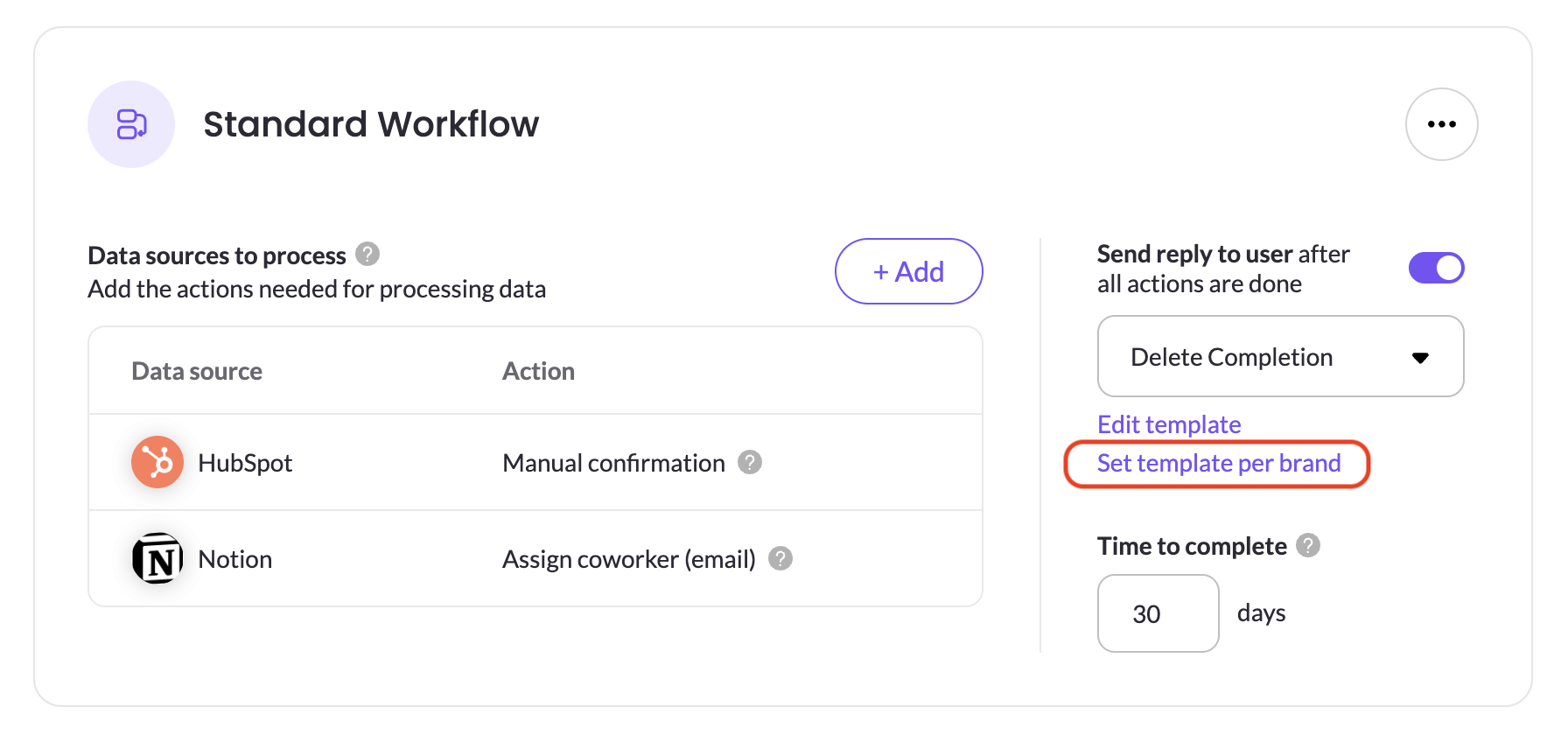
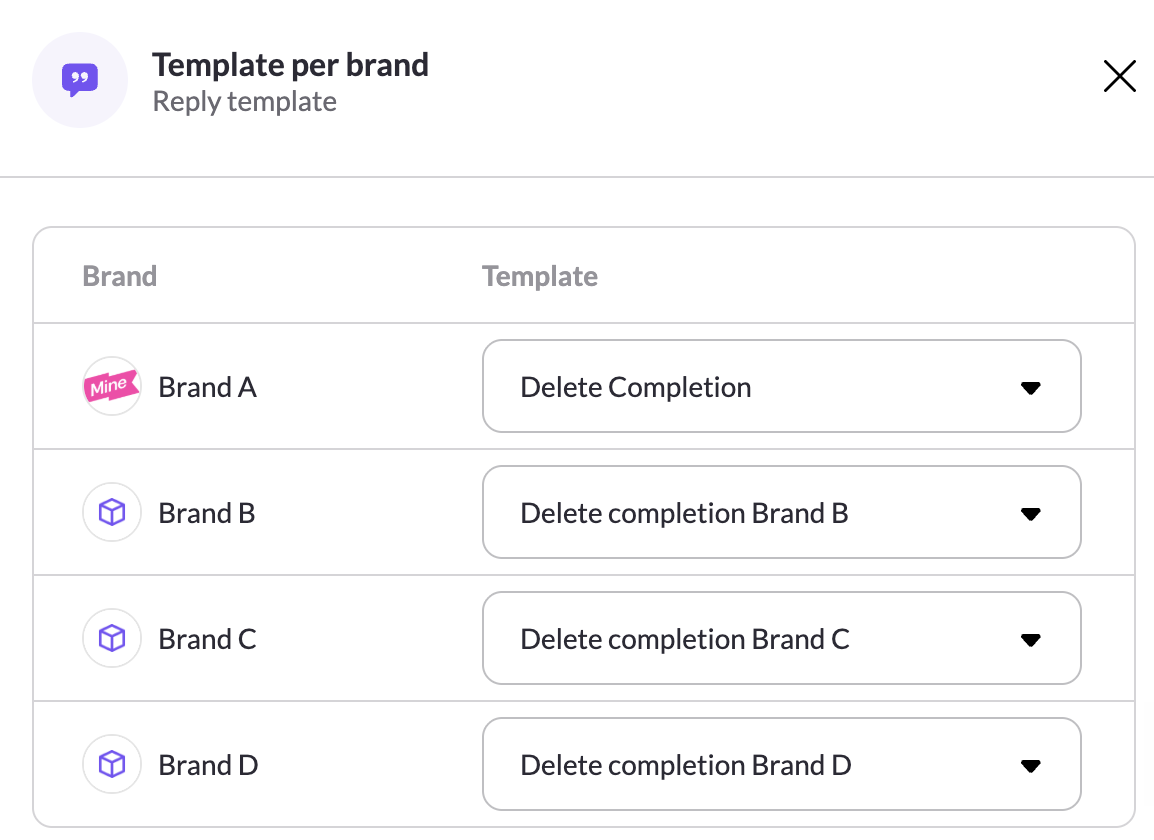
If you run multiple brands, you can set per brand each of the above email types. By default all brands will use the configured template, if you want to configure a template per brand click Set template per brand. A configuration panel will open up where you can configure a template per brand.
Updated 2 months ago