
Adding Requests Manually
Log a privacy request that arrived by phone, mail, or in person directly in MineOS.
Sometimes a request reaches you outside your usual channels — over the phone, in person, or in writing. You can log these directly in MineOS by creating a request manually, so every request lives in one place.
Create a request
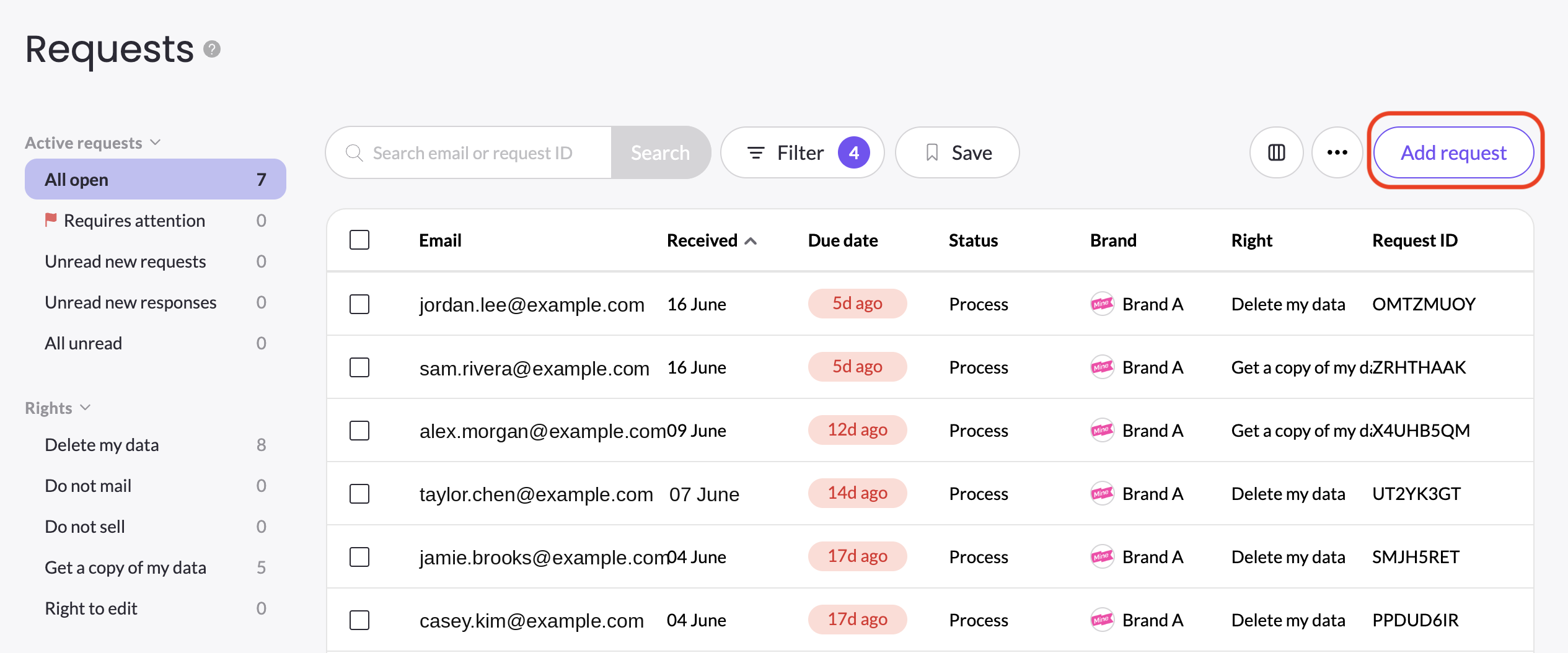
- On The Requests Page, click Add request.
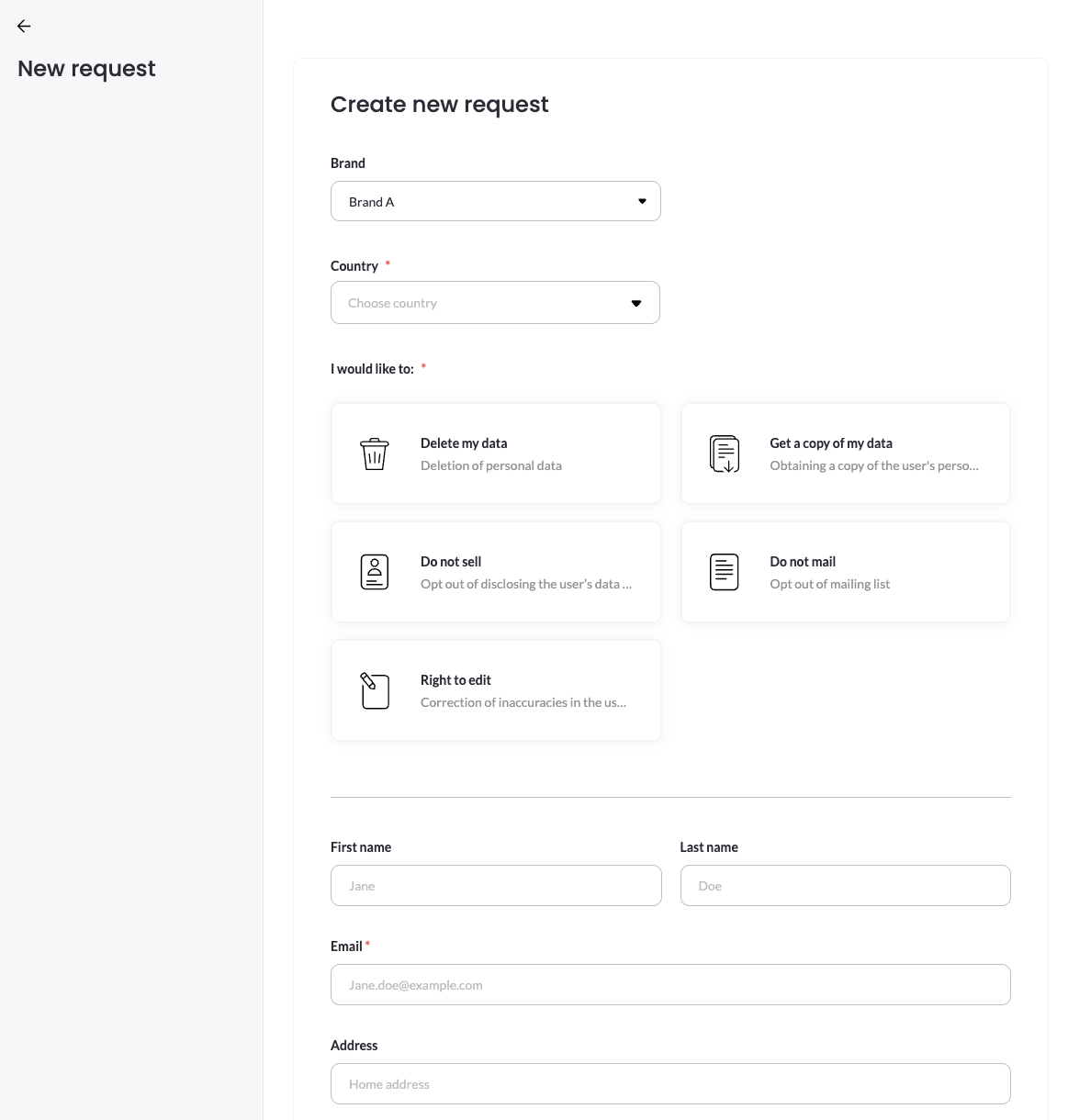
- The Create new request form is mirroring the published Privacy center form, without the conditions. This means, all fields will be presented regardless of the conditions you have define in the Privacy center intake form.
- Choose the Brand the request relates to (if you run multiple brands), select the data subject's Country, which Right to practice, enter the data subject's details, fill in any additional necessary fields and submit.
- Once created, the request enters your Requests page queue as a verified request. No verification email is sent to the data subject.
Good to know
The rights shown on this form are the ones you've enabled in DSR Setup. If a right you need is missing, enable it first in your privacy rights configuration.
Updated 3 months ago
Did this page help you?