
Request Details & Custom Fields
View and edit a request's details, add custom fields, and see the data subject's other requests
Every request carries a set of details about the data subject and the request itself. You can view and edit these from the request, and add your own custom fields.
Request details
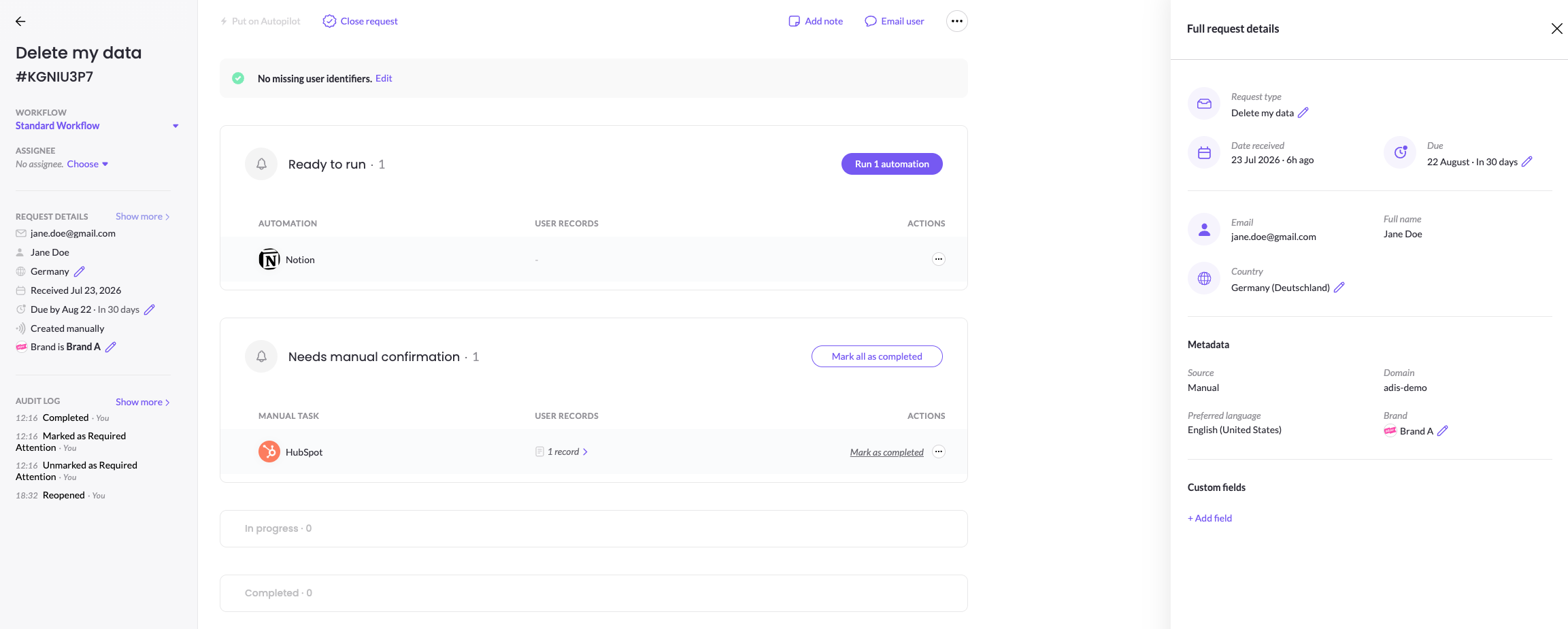
The request panel shows the essentials: the request type, date received, due date, and the data subject's email, full name, country, and data subject type (for example, Consumer). Details the data subject provided on the form — such as state, address, and mobile number — appear here too.
Click Show more (or Edit request details from the ⋯ menu) to open Full request details, where you can review everything and edit fields like the request type, due date, and country.
Metadata
The metadata section shows how the request arrived and how it's identified: Source, Domain, Preferred language, and Brand.
Custom fields
Need to track something specific to your process? Under Custom fields, click + Add field to attach your own fields to the request.
Other requests from this user
At the bottom, Other requests from this user lists the data subject's other requests — with received date, due date, status, type, and request ID — so you can see their history at a glance and spot related or duplicate requests.
Updated 3 months ago