Privacy Center Overview
An overview of the Privacy Center: what it is, how data subjects use it to submit privacy requests, and a tour of the builder tabs.
The Privacy Center is a customizable, public-facing web form where data subjects can submit privacy requests — such as deleting their data, getting a copy of it, or opting out of data sale. It's your primary channel for receiving data subject requests (DSRs) in a structured, compliant way, under regulations like GDPR, CCPA, and others.
Each brand has its own independent Privacy Center — its own form, rights, languages, and styling are configured separately. If your account has multiple brands, use the Brand dropdown at the top of the page to switch between them.
Accessing the Privacy Center
In the left navigation, go to DSR → Privacy center.
The Privacy Center builder
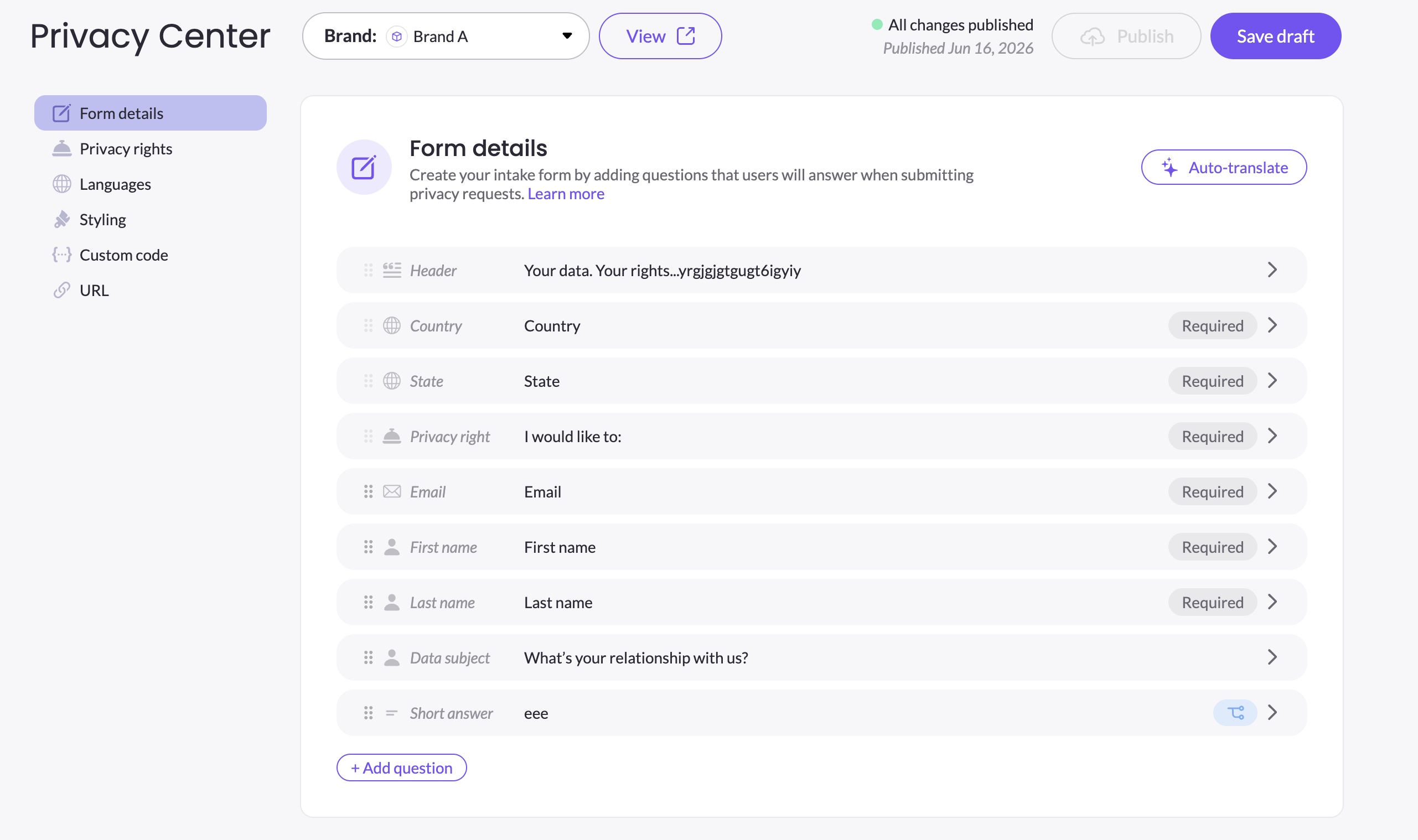
The builder has six tabs:
| Tab | What you configure |
|---|---|
| Form details | The intake form: elements, questions, order, display logic, and translations |
| Privacy rights | Which privacy rights are presented to data subjects |
| Languages | Which languages are available on the form |
| Styling | Colors, fonts, logo, and field appearance |
| Custom code | JavaScript and CSS injected into the page |
| URL | The public URL and iframe embed snippet |
What data subjects see
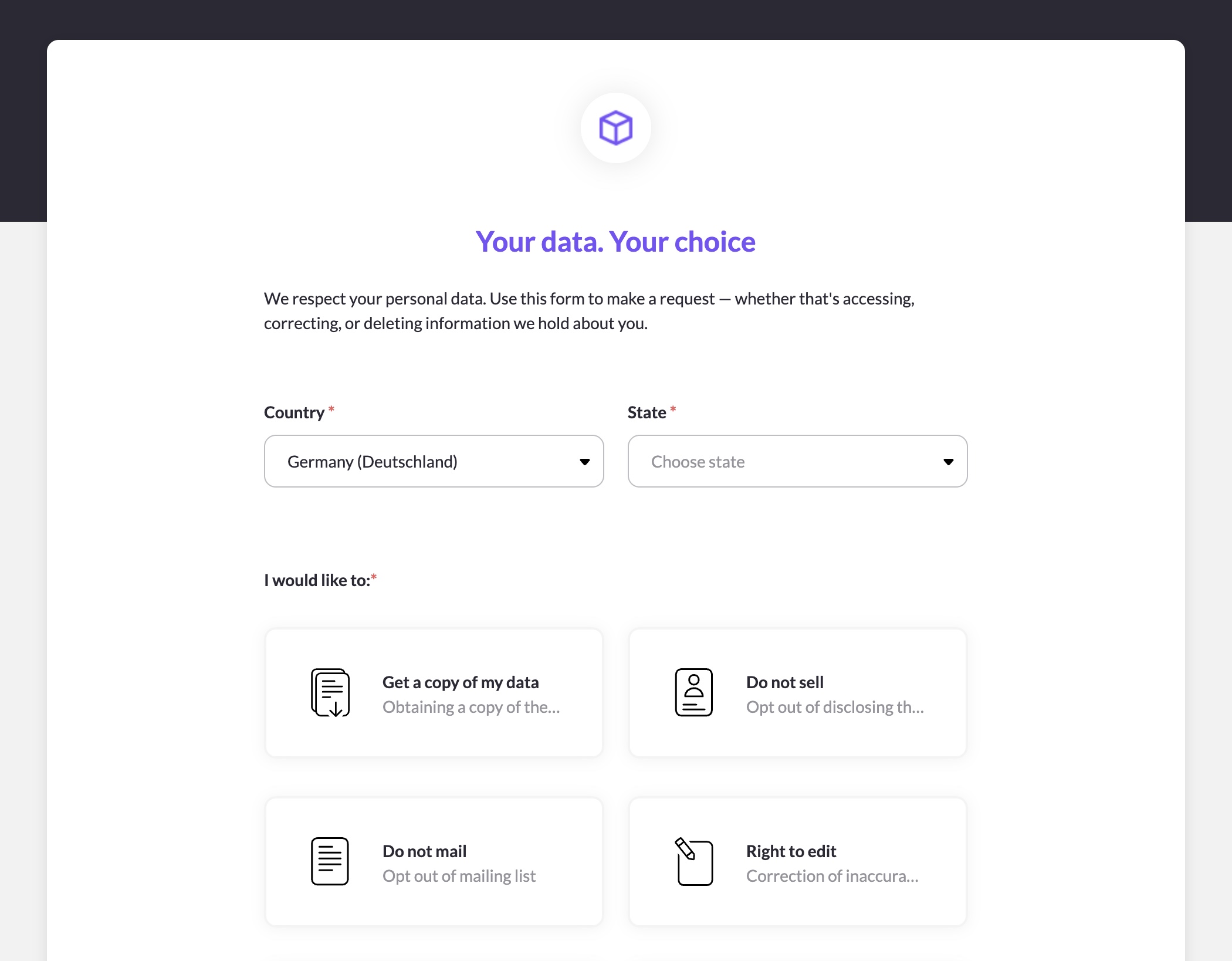
When a data subject visits your Privacy Center URL, they see the intake form you've configured. They select a privacy right, fill in the required fields, and submit. MineOS sends them a verification email — until they verify, the request appears in the Mine portal Requests page as Unverified. Once verified, it moves to an active processing state, fulfilling the defined workflow.
The form displays in the data subject's browser language, if that language is enabled in your Languages tab. If their browser language isn't enabled, or if they've previously selected a language on the form, that preference is used instead. English (US) is always the fallback.
Draft and published versions
When you first create a brand's Privacy Center, it starts in a Never published state — a draft exists but nothing is live yet. Once you publish, any subsequent changes you save create a new draft alongside the live version. You can preview your draft before publishing to make sure everything looks right.
Updated 3 months ago