
Enriching a Request
Add identifiers and decision-making context to a request — automatically, via API, or by hand
Enriching a request means adding data to it beyond what the data subject originally submitted. This serves two purposes: giving each connected system the identifiers it needs to locate the right person's data, and giving you (or an automated workflow) the context needed to decide what should happen with the request — whether to process it, reject it, mark as required attention, or process it in a different workflow. That data can come in automatically through your own API calls, or be added manually.
Automated enrichment integrations
If you store additional identifiers in your own database, you can connect it so MineOS looks them up automatically whenever a new request comes in.
Postgres ID Enrichment
-
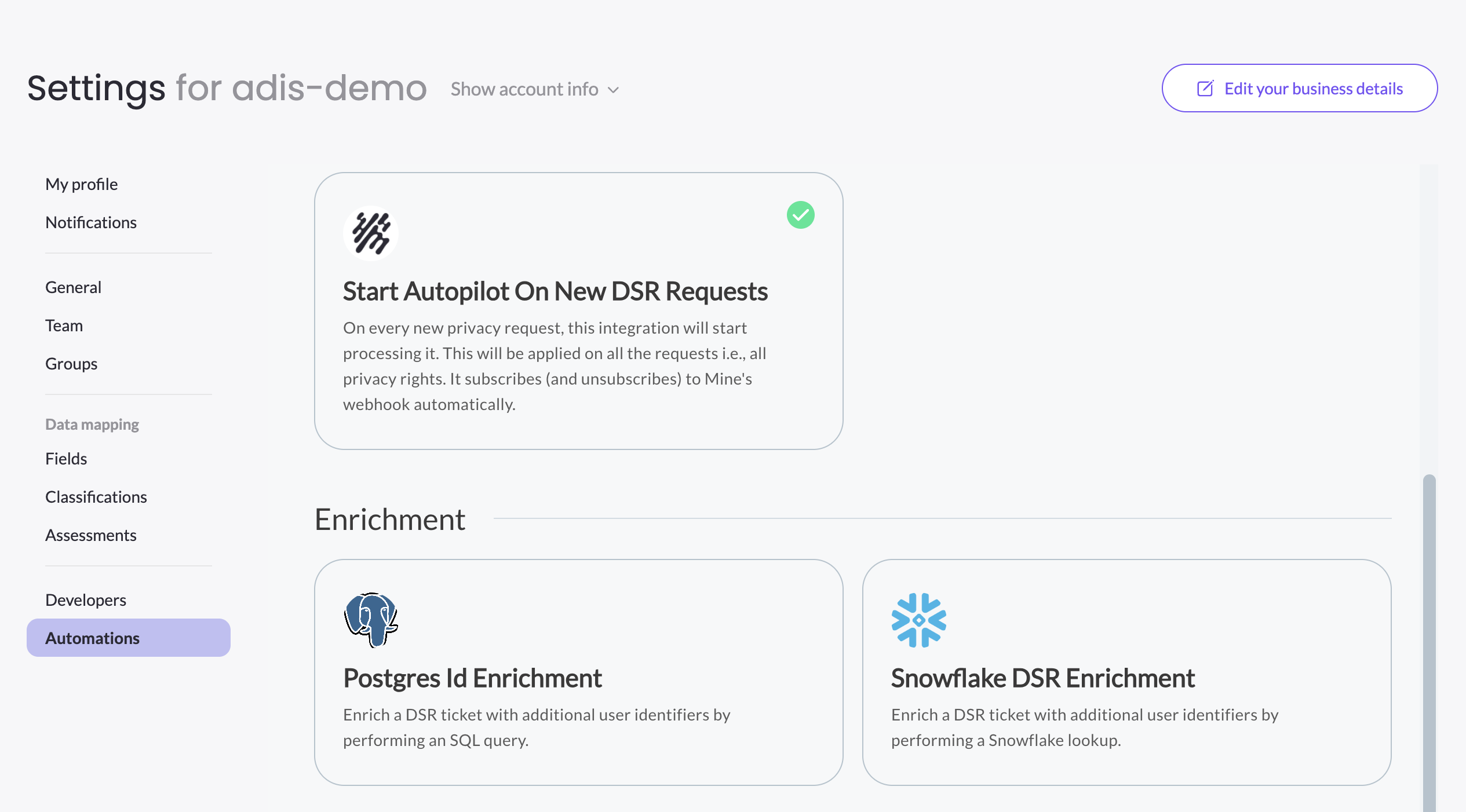
Go to Settings > Automations > Marketplace, find Postgres Id Enrichment under the Enrichment category, and click Configure.
-
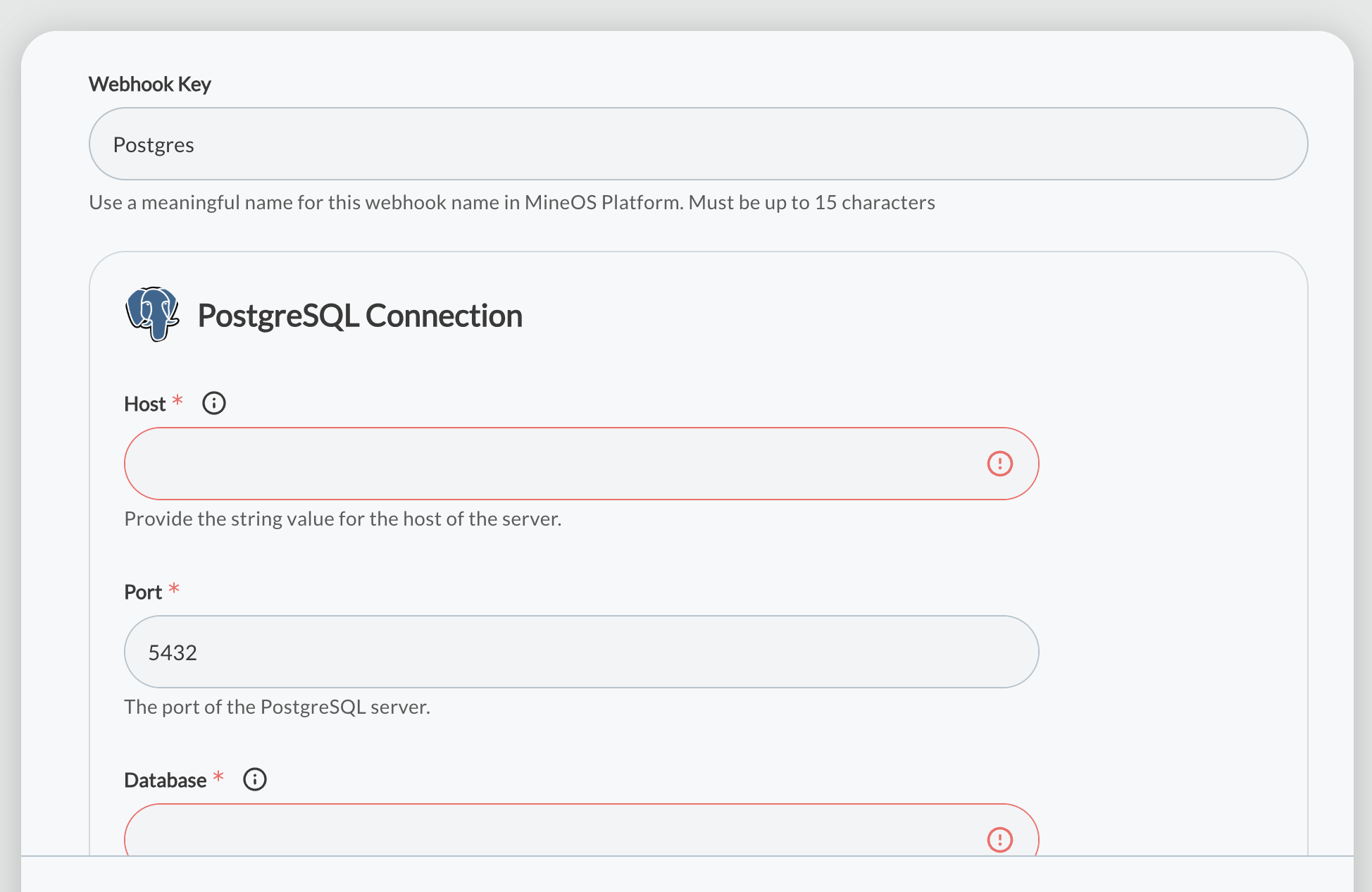
Enter your Postgres connection details: host, port, database, username, and password, and enable SSL if your database requires it.
-
Provide the SQL query MineOS should run to look up the identifier. The ticket's email address is passed into your query as the
$emailparameter, and you specify which result column holds the identifier (for example,user_id). -
Click Finish. The integration subscribes to new request events automatically, so no separate webhook setup is needed.
Snowflake DSR Enrichment
-
Go to Settings > Automations > Marketplace, find Snowflake DSR Enrichment, and click Configure.
-
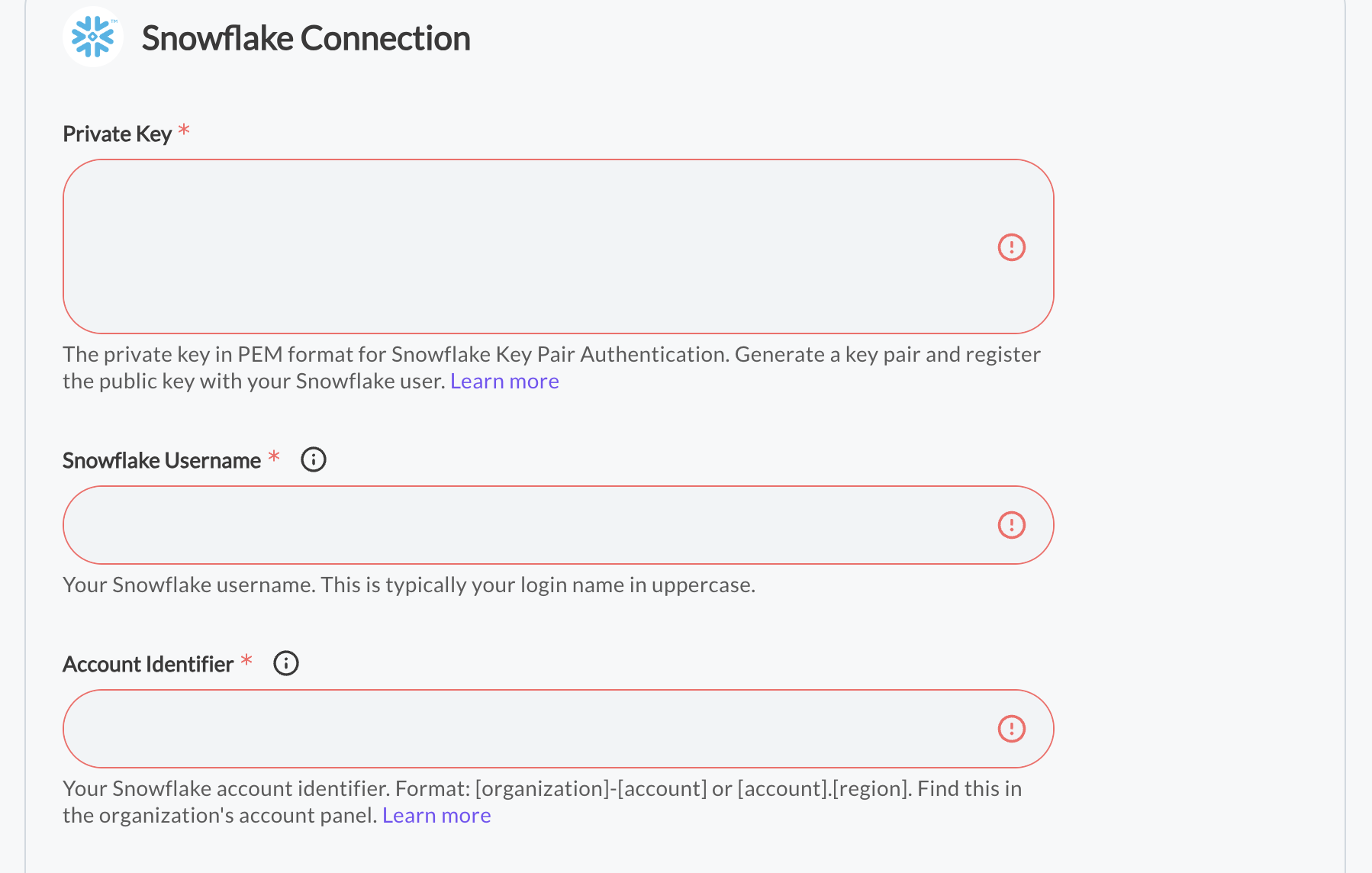
Under Authentication, provide your Snowflake private key, passphrase, username, account identifier, account locator, identifier URL, and role.
-
Under Enrichment Logic, choose the target identifier type you're enriching (for example, phone number), set the warehouse, database, and schema to query, and provide a SQL query that looks up the identifier using the ticket's email as a positional parameter.
-
Click Finish, then reach out to your Customer Success Manager to activate the integration and confirm it's working correctly.
Both integrations can be updated at any time from the same Marketplace tile by selecting Reconfigure.
Enriching a request via API
If you'd rather look up identifiers yourself — from your own systems, a cloud function, or a workflow tool — you can add them to a request directly using the Update metadata API endpoint. This is typically triggered by subscribing to the Request Created webhook event.
Field names starting with $ are reserved for specific purposes: $email, $internalId, and $phoneNumber set the custom identifiers MineOS uses to match a data subject. You can also override the identifier used by a specific integration by setting a field named ${integrationType} — for example, $googlebq to set the identifier used for a Google BigQuery integration — regardless of which identifier type that integration normally expects.
The same API-driven approach can also feed decision-making rather than just identifiers — for example, looking up whether the requester is a customer, an employee, or a paying subscriber, and using that to decide whether a request should be processed automatically or flagged for review. See Providing Useful Context for DSR for that use case in more depth.
Manually editing identifiers
At the top of a request, MineOS shows whether anything is missing. Click Edit on that banner — or Edit request details from the ⋯ menu — to add or correct the data subject's identifiers by hand.
Updated 3 months ago