
Customizing Your Privacy Center Form
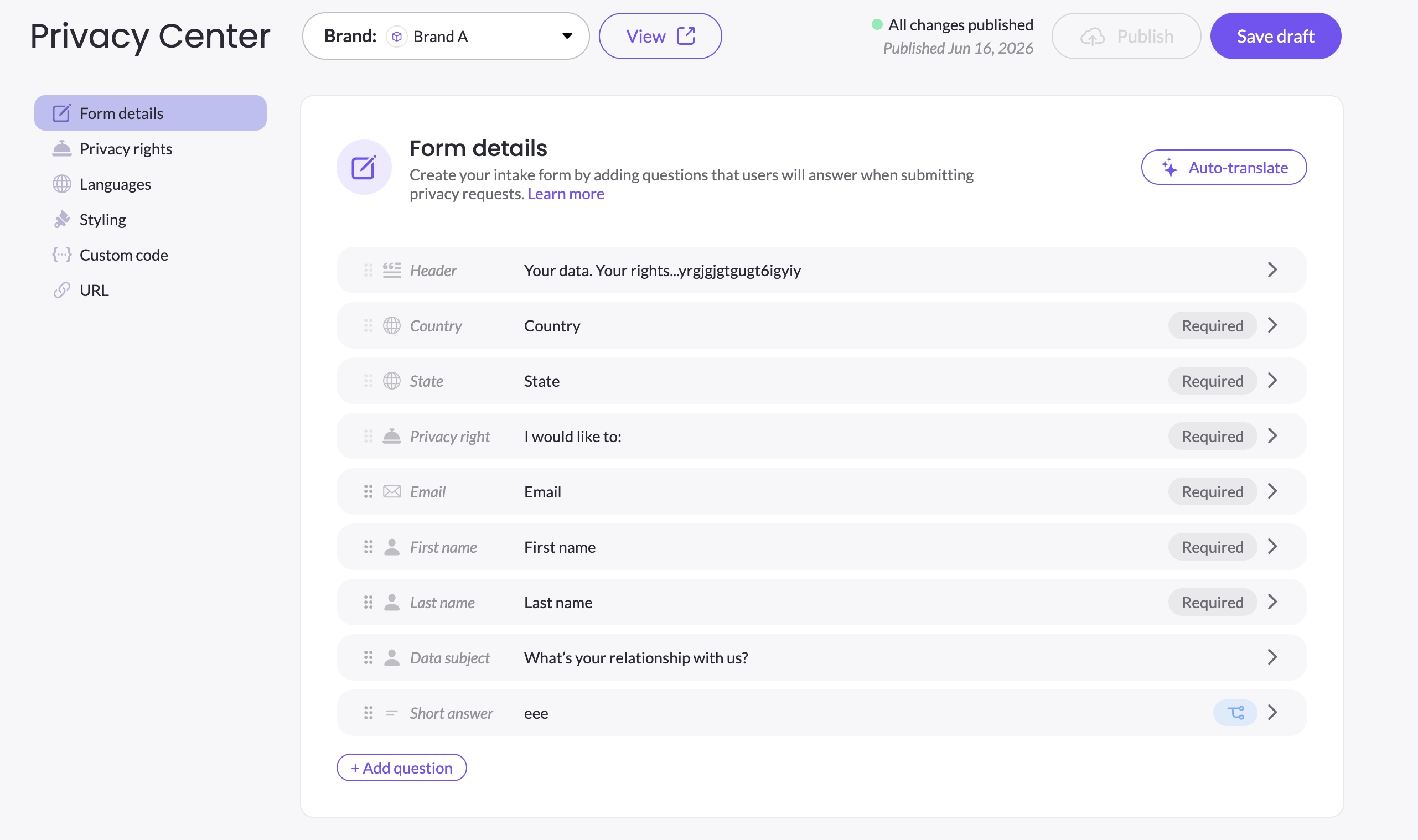
The Form details tab is where you build the intake form data subjects fill out when submitting a privacy request. You control which questions appear, what order they're in, which are required, and how the form behaves for different types of requestors.
This section covers everything you need to know about the form:
- Element Types and Their Properties — the full list of built-in and custom elements, and how to configure each one
- Reordering Elements — which elements can be moved freely and which have a fixed position
- Setting Up Conditional Logic — showing or hiding elements based on a data subject's answers
- Authorized Agent Support — enabling data subjects to submit requests on behalf of others
- Prefilling Fields & URL Parameters — passing data into the form via URL query parameters
- Save, Preview & Publish — the draft and publish lifecycle
Updated 4 months ago
Did this page help you?