
Reporting and Dashboards
A guide to the unified Reporting page — one place for all your MineOS analytics across compliance, vendor risk, AI governance, DSR, and consent.
Reporting and Dashboards
The Reporting page gives you a single destination for analytics across all of your MineOS use cases. Instead of navigating between separate module overviews to piece together your compliance picture, every dashboard is accessible from one place.
To open it, click Reporting in the left sidebar, below Mira AI agents.
If you're an existing MineOS user: Dashboards previously embedded within individual module overviews (Compliance, Vendor management, AI governance, Risk analysis, DSR) are now consolidated here. The underlying data and metrics are unchanged.
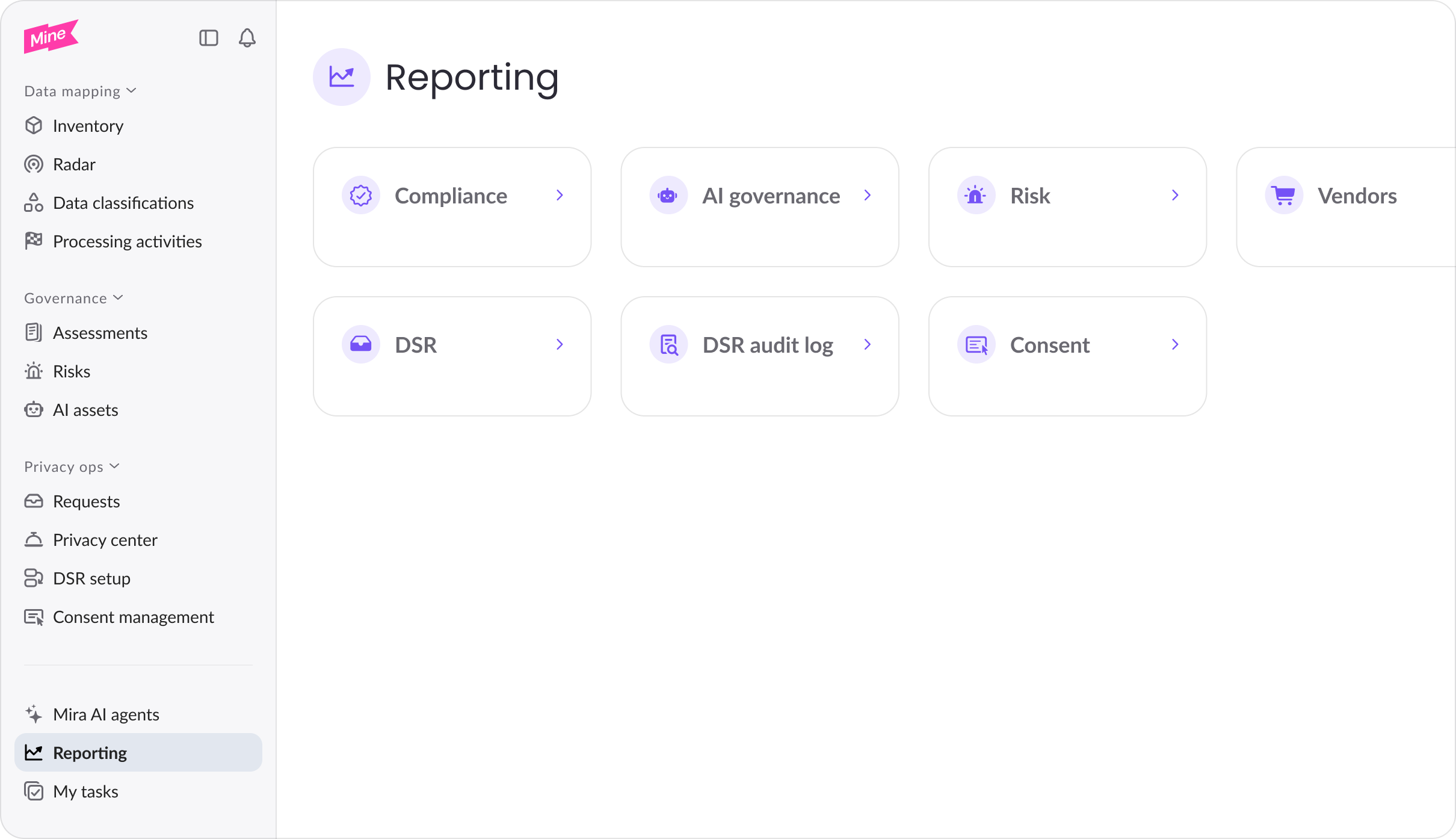
Dashboard cards
The Reporting page shows a card for each dashboard included in your plan. Click any card to open the full dashboard. Available dashboards are:
| Dashboard | What it covers |
|---|---|
| Compliance | Assessment volumes, status distribution, and completion rates across your privacy use cases |
| AI governance | AI assessment status and risk metrics for your AI systems |
| Risk | Risk registry metrics, severity distribution, and open risks |
| Vendors | Vendor assessment status, response rates, and third-party risk coverage |
| DSR | Open, overdue, and completed data subject requests; SLA health; Autopilot impact |
| DSR audit log | Request volume and type distribution for audit and regulatory reporting |
| Consent | Consent rates, banner performance, and opt-in/opt-out trends across your websites |
Cards are shown based on your organization's active plan. If a card isn't visible, that capability isn't included in your current plan — contact your account team to learn more.
Who can access Reporting
All portal users on a qualifying plan can view the Reporting page. No additional role configuration is required.
DSR dashboard
The DSR dashboard is also accessible directly from Privacy ops > Data subject requests for users working day-to-day on request handling. The version in Reporting is identical — the same dashboard in two places for convenience. For a full breakdown of the DSR dashboard's metrics, see DSR dashboards.
Updated 2 months ago