
Rejection
Explain to a data subject when a request is rejected, using a default or alternative rejection template
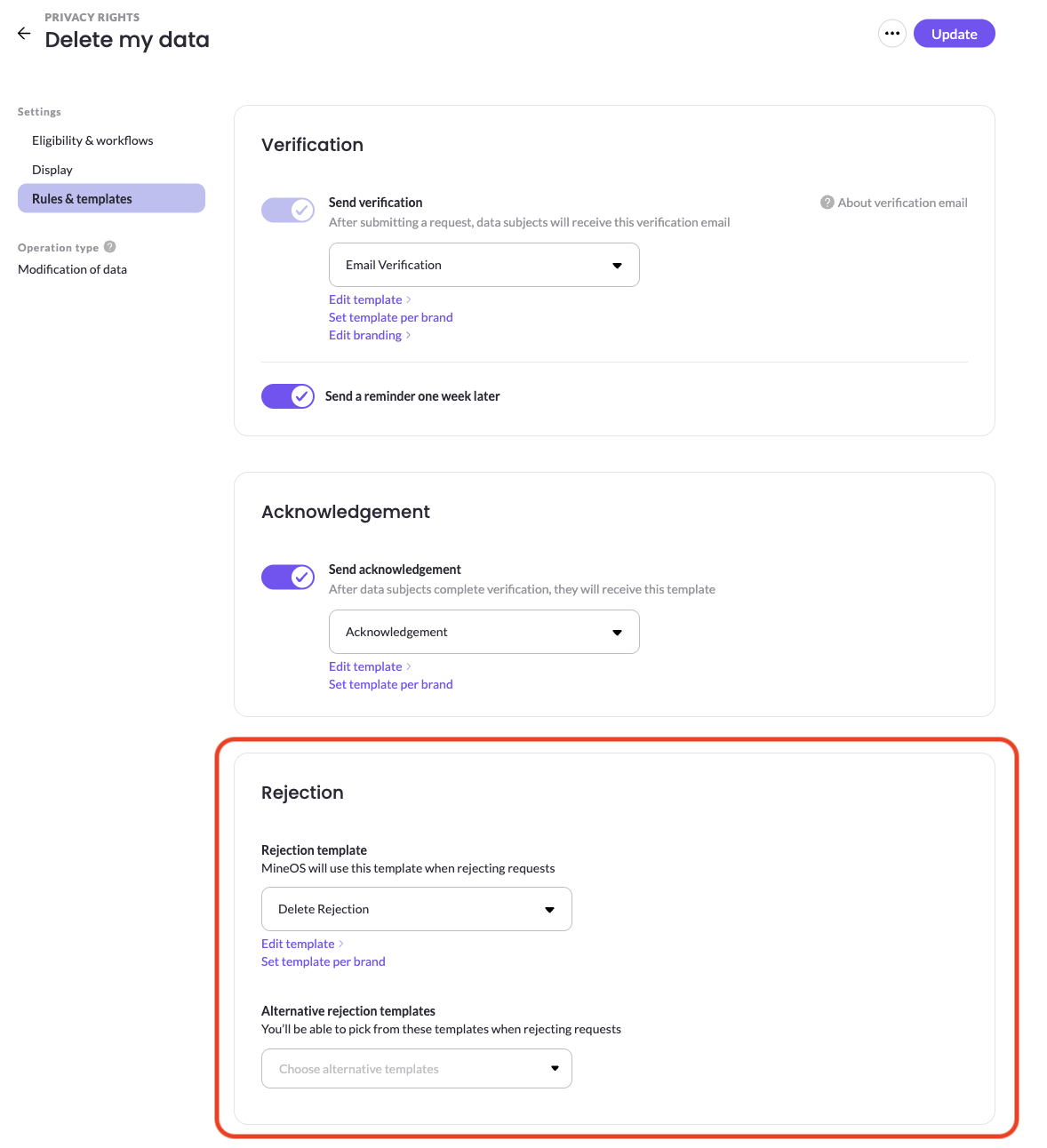
The rejection email is sent when you reject a request, explaining to the data subject that it won't be fulfilled.
Default and alternative templates
Each right has a default rejection template that MineOS uses when a request for that right is rejected. You can also configure alternative rejection templates — additional templates your team can choose from at the moment they reject a request, so the reason can match the situation.
Template per brand
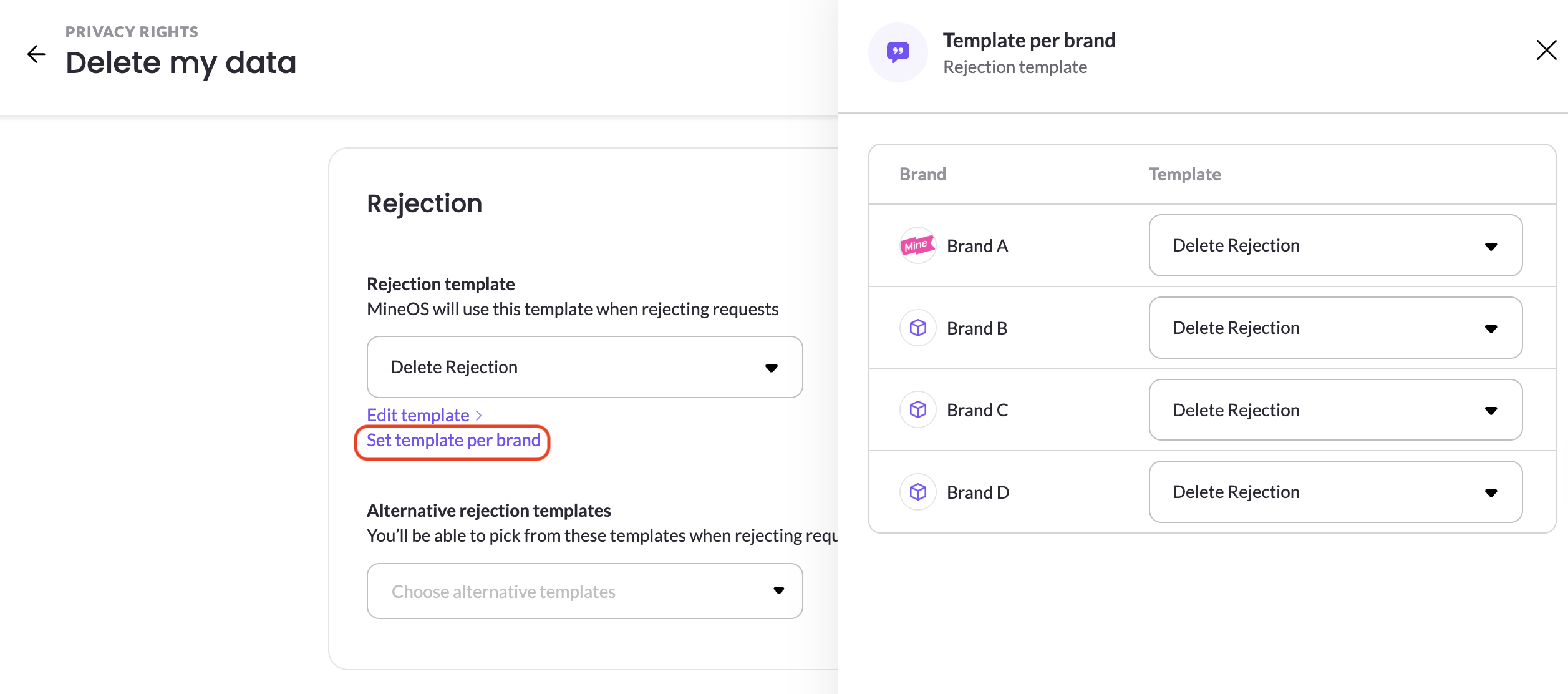
If you run a multi brand company, you have an option to configure to send a different template per brand by clicking Set template per brand. It will open a configuration panel where you can select which template to use for each brand.
Updated 2 months ago