
Managing Your Profile
Learn how to update your personal details on the My Profile page.
How to Update Your Details
- Locate and click on the company menu (your company logo and name) situated in the bottom left corner of your MineOS environment, then click "Settings".
- Under "General", click "My profile"
- Enter the updated information.
- Save your changes.
What You Can Update
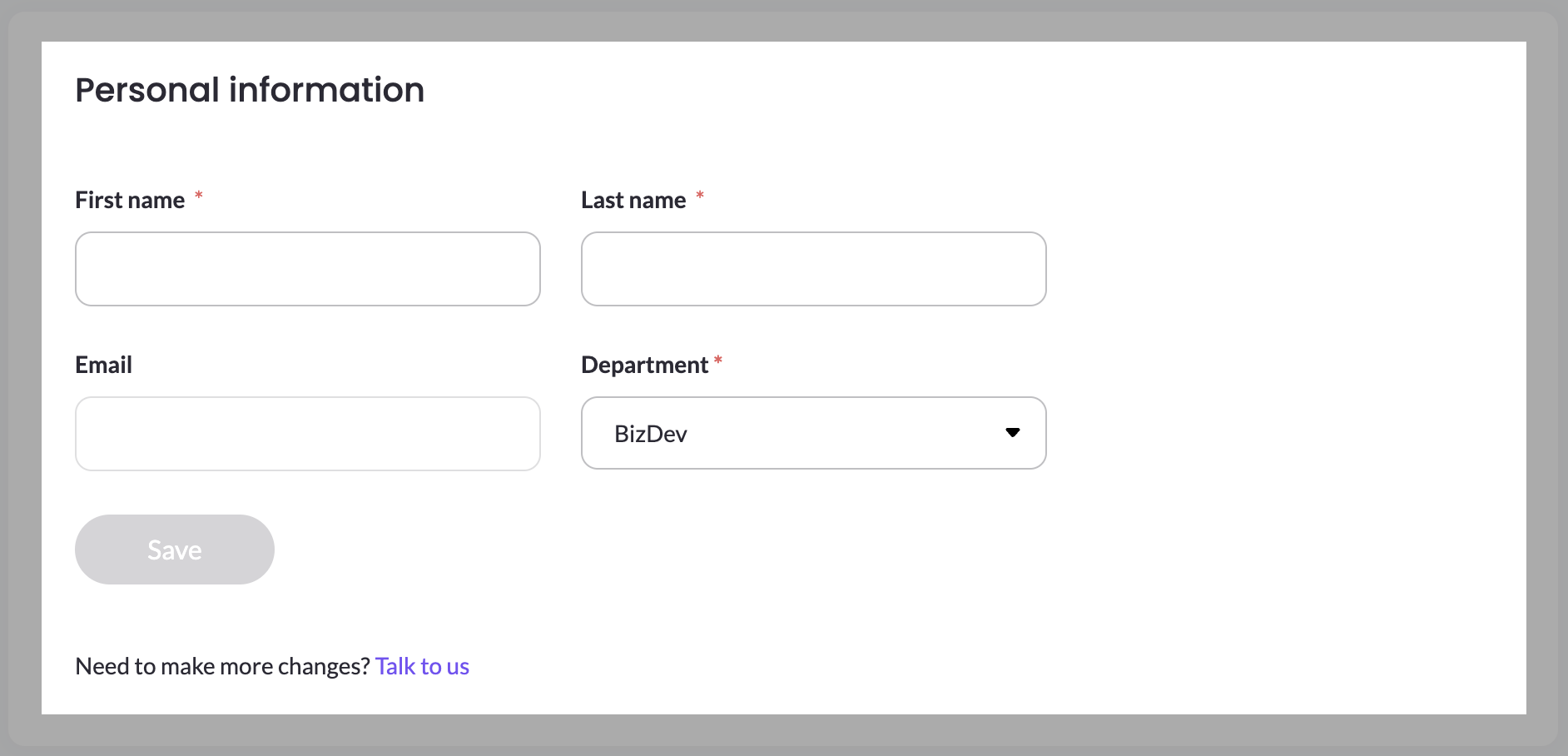
On the My Profile page, you can update:
- First Name
- Last Name
- Department
Your Email Address is shown on the page but can't be edited there. If you need to change your login email address, please contact us by clicking the button located in the bottom right corner.
Updated about 1 hour ago
Did this page help you?