
Jira Integration for DSR
Automatically create a Jira issue for every new privacy request
If your team already tracks work in Jira, you can have MineOS create a Jira issue automatically for every new privacy request, instead of tracking requests in two separate places.
Connecting Jira
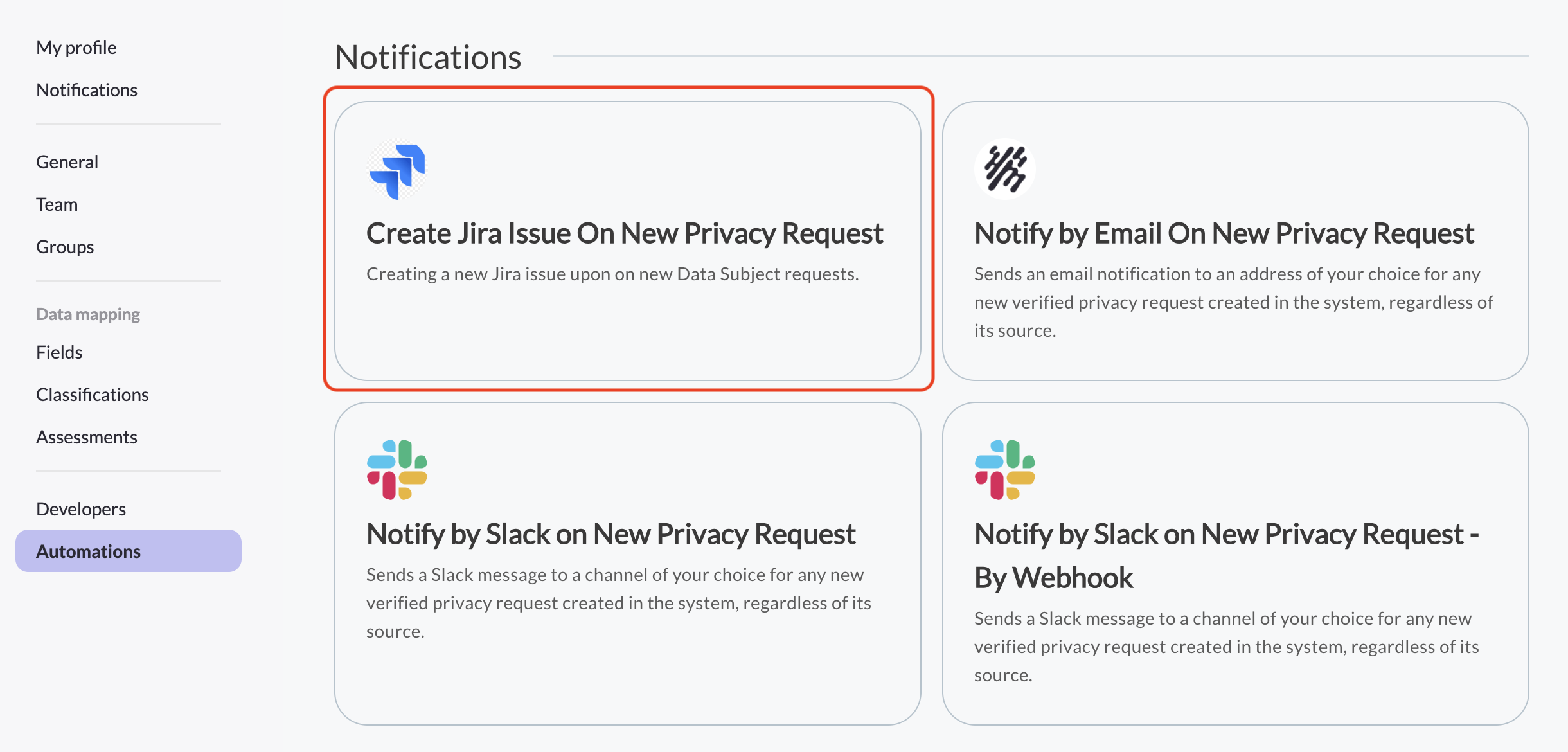
- Go to Settings > Automations > Marketplace.
- Find Create Jira Issue On New Privacy Request and click Configure.
- Click Connect and authorize MineOS to access your Jira account.
- Choose the Jira site, project, and issue type MineOS should use when creating issues.
- Finish the setup. A confirmation appears once the automation is active.
What gets created
Once connected, MineOS creates a new Jira issue for every new, verified privacy request. Each issue is titled with the right and source of the request (for example, "Privacy request: Delete my data in Privacy Center") and includes a link back to the request in MineOS, so your team can jump straight from Jira into the ticket to work it.
Managing the connection
You can change the destination project or issue type, or disconnect Jira entirely, from the same automation in Settings > Automations > Marketplace.
Updated 3 months ago
Did this page help you?